Data Workflows
Build, Monitor, and Manage
Create, deploy, and manage data workflows with visual drag-and-drop diagrams or code. Monitor pipelines in real-time, manage jobs efficiently, and orchestrate complex data transformations.
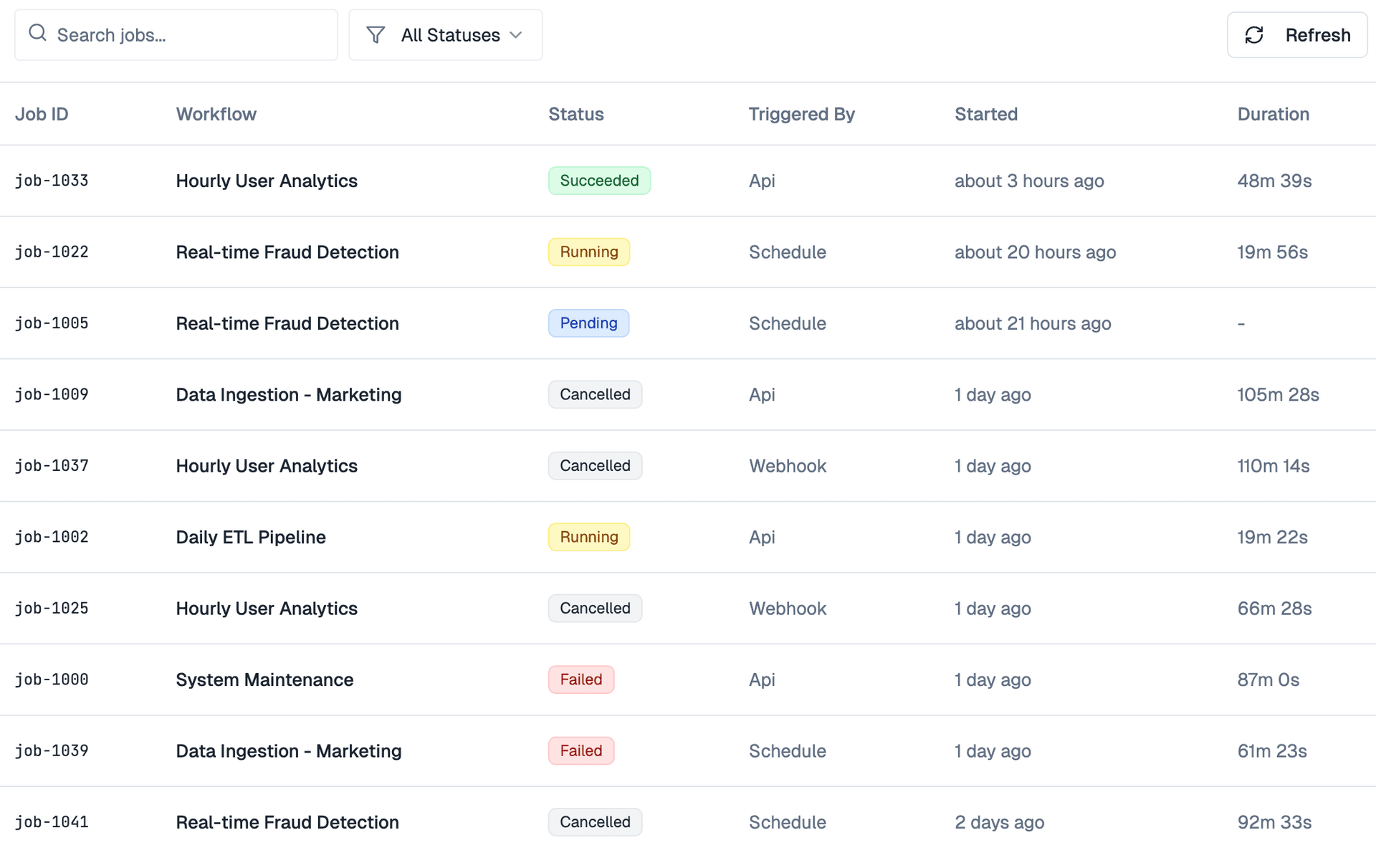
Build, Monitor, and Manage Data Workflows
Create data pipelines with visual diagrams or code. Monitor execution in real-time and manage jobs efficiently.
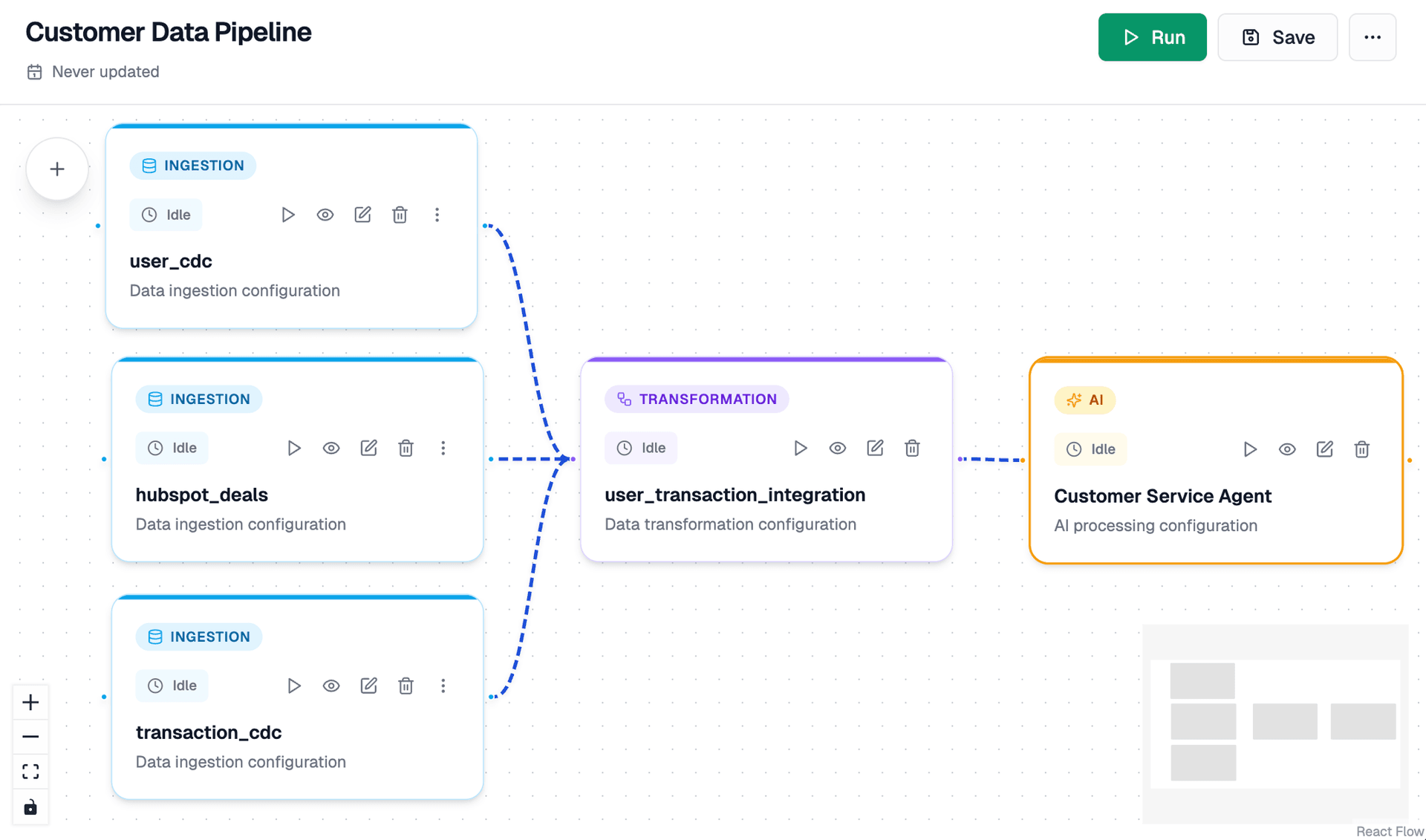
Visual Drag-and-Drop Workflow Builder
Build data pipelines visually with an intuitive drag-and-drop interface. Connect data sources, transformations, and destinations with simple diagram-based workflows. No coding required - design complex data flows visually.
Workflow Use Cases
From ETL to ML orchestration, workflows power every aspect of your data operations.
- •Multi-source data ingestion
- •Data transformation and cleaning
- •Incremental data loading
- •Data quality validation
- •Real-time event processing
- •Stream transformations
- •Multi-destination routing
- •Stream aggregation
- •Automated report generation
- •Scheduled data refreshes
- •Metric calculation pipelines
- •Analytics workflow automation
- •Feature engineering pipelines
- •Model training workflows
- •Model deployment automation
- •ML pipeline orchestration
- •Data quality checks
- •Validation rule enforcement
- •Quality metric tracking
- •Automated quality alerts
- •Data lineage tracking
- •Policy enforcement
- •Compliance reporting
- •Audit trail generation
Related Resources
Learn how to build powerful data workflows with our comprehensive guides, tutorials, and real-world examples.
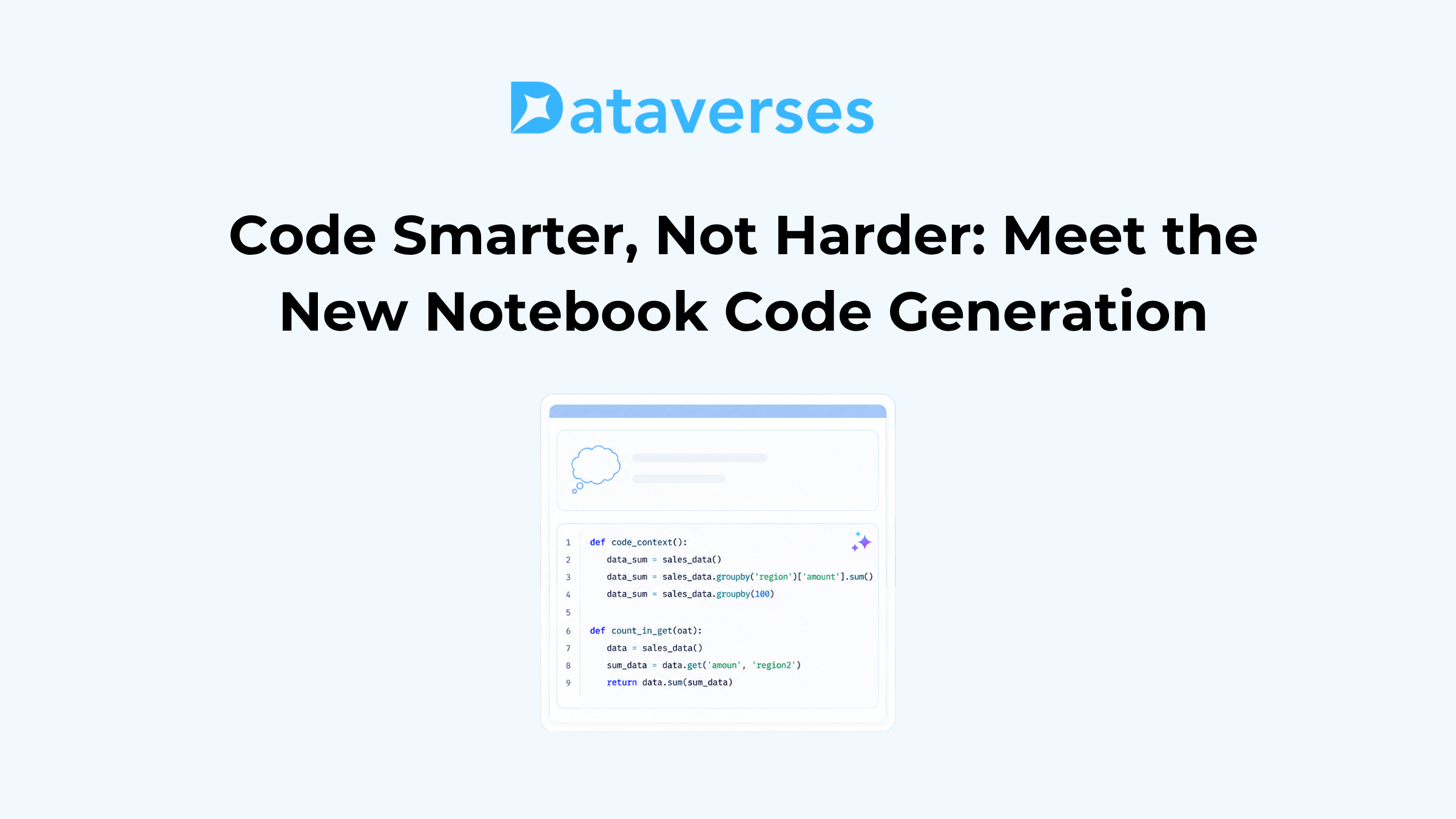
Code Smarter, Not Harder: Meet the New Notebook Code Generation on Dataverses
Apache Iceberg 1.11.0 Release: Deletion Vectors, Variant Type, and V3 Maturity
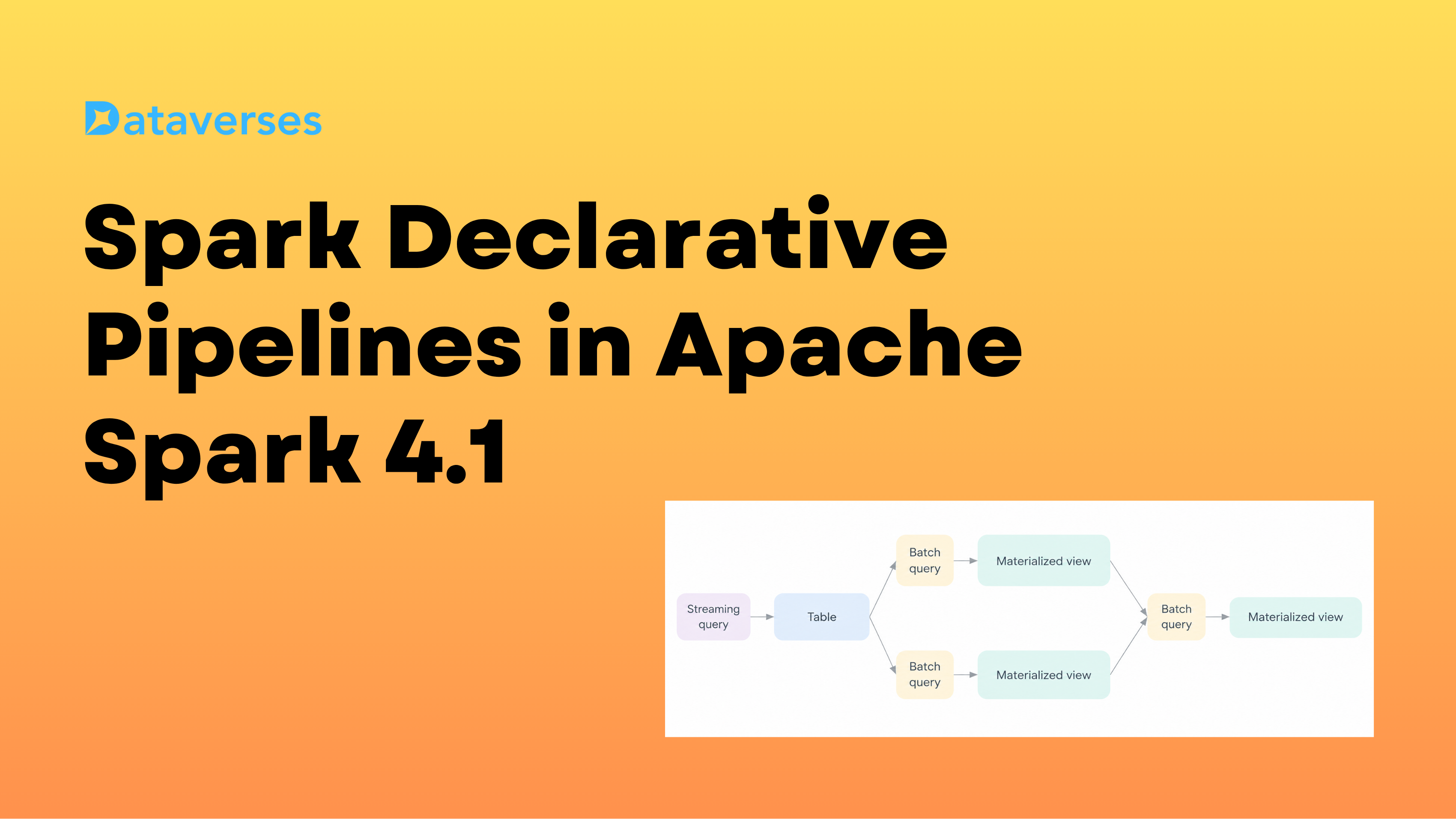
Spark Declarative Pipelines in Apache Spark 4.1: A Complete Guide

Iceberg Summit 2026: The Open Table Format That's Powering the Next Generation of Data Lakehouses
Frequently Asked Questions
Everything you need to know about Dataverses Workflow
Dataverses Workflow is a powerful pipeline orchestration platform that lets you build data workflows using visual drag-and-drop diagrams or code. You can create ETL pipelines, real-time streaming workflows, ML pipelines, and more. The platform handles job scheduling, dependency management, monitoring, and error recovery automatically.
Yes! Our visual workflow builder lets you create pipelines by dragging and dropping nodes on a canvas. Connect data sources, transformations, and destinations visually. You can also export visual workflows as YAML or code if you need to customize them further.
You can write pipelines in Python, SQL, or YAML. Our Python SDK provides full flexibility for custom transformations, while SQL pipelines are great for data transformations. YAML pipelines offer a declarative approach that's easy to version control and maintain.
Our monitoring dashboard provides real-time visibility into your workflows. You can see execution status, performance metrics, data quality scores, and data flow in real-time. Set up alerts for failures, performance degradation, or data quality issues. All metrics are tracked and visualized in comprehensive dashboards.
Jobs can be scheduled using cron expressions, event triggers, or API calls. The system automatically resolves dependencies between jobs, handles retries on failure, and optimizes resource allocation. You can view job history, logs, and execution details. Parallel execution is supported when jobs are independent.
Dataverses Workflow supports 16+ data sources including databases (PostgreSQL, MySQL, SQL Server), data warehouses (Snowflake, BigQuery, Redshift), data lakes (S3, Azure Data Lake, GCS), streaming platforms (Kafka), and APIs. Pre-built connectors make it easy to connect to any source.
Absolutely! Workflows can be version controlled with Git. Code-based pipelines work seamlessly with version control, and visual workflows can be exported as YAML for versioning. Track changes, collaborate with your team, and roll back to previous versions when needed.
The platform includes intelligent retry mechanisms with configurable retry policies. You can set maximum retry attempts, backoff strategies, and error handling logic. Failed jobs are automatically retried, and you'll receive alerts if retries are exhausted. Error logs provide detailed information for debugging.
Yes! Built-in data quality monitoring tracks data freshness, completeness, accuracy, and consistency. You can define validation rules, set quality thresholds, and get alerts when data quality degrades. Quality metrics are visualized in dashboards alongside execution metrics.
Getting started is easy! You can start with our visual builder by dragging nodes onto the canvas, or write a simple Python/SQL pipeline. We provide templates, examples, and comprehensive documentation. Connect a data source, add transformations, and deploy your first workflow in minutes.
Ready to Transform Your Data Pipeline?
Start building streaming data applications today. Get up and running in minutes with our cloud platform or deploy on-premises.
No credit card required • 14-day free trial • Cancel anytime